Online HTML Viewer
Preview and edit your HTML code instantly with our free Online HTML Viewer. Perfect for web developers, designers, and learners who want to test, debug, and visualize HTML structure in real-time. Just paste your HTML, click view, and see your webpage rendered immediately — simple, fast, and secure.
Result
Share on Social Media:
💻 Online HTML Viewer – Instantly Preview, Edit & Debug Your Code
Writing HTML is the foundation of every website — but seeing how it actually looks in real-time is where the magic happens.
The Online HTML Viewer by SEO Magic Tools lets you write, paste, or upload HTML code and see its live output instantly.
No setup, no software — just your browser.
Whether you’re a beginner learning HTML or a professional developer testing code snippets, this free viewer helps you preview your design instantly, fix errors faster, and improve your workflow effortlessly.
🌐 What Is an Online HTML Viewer?
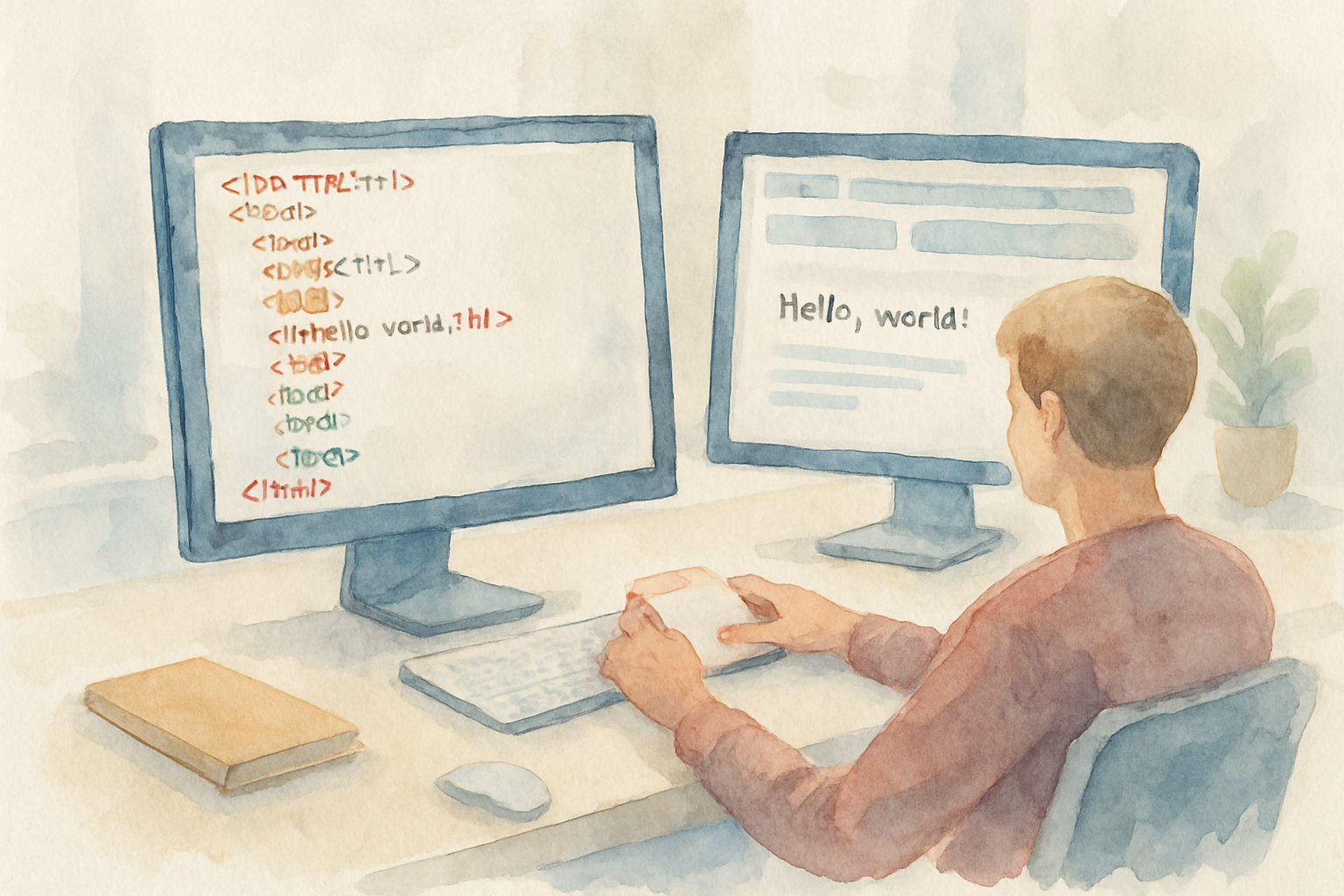
An Online HTML Viewer is a browser-based tool that allows you to preview and edit HTML code instantly.
It simulates how your web page will appear in a real browser environment — without requiring any local file setup.
In other words:
👉 You paste your HTML code → click preview → and instantly see how it looks as a webpage.
It’s perfect for quick testing, debugging, and learning HTML structures.
⚙️ How the Online HTML Viewer Works
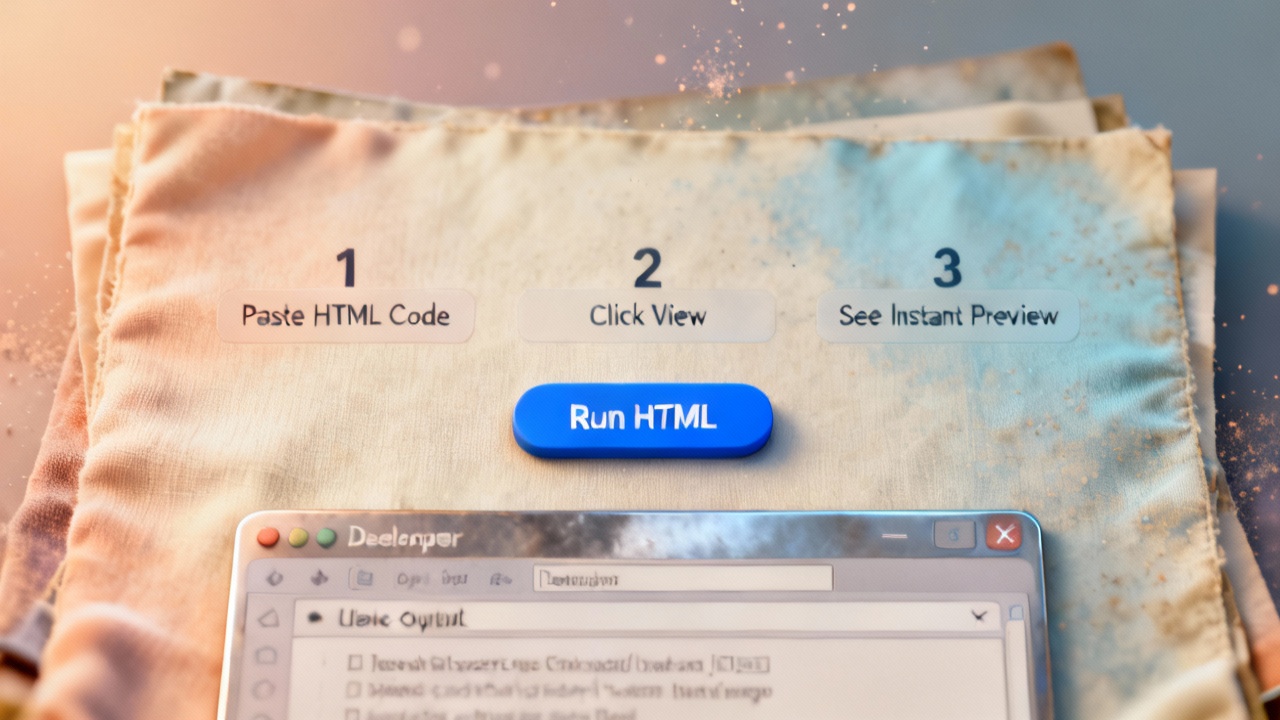
1. Paste or Type HTML Code:
Copy any HTML snippet, full page, or component into the code editor.
2. Click "View" or “Run Preview”:
The tool instantly renders your HTML output below the editor.
3. Edit in Real-Time:
Modify your code and see the changes live — no refresh needed.
4. Debug Easily:
Identify and fix missing tags, broken syntax, or misaligned elements on the spot.
It’s that simple — zero setup, 100% instant results.
🧠 Why You Need an HTML Viewer
HTML (HyperText Markup Language) is the backbone of every website.
If your code is misaligned, even a small tag error can break layout or functionality.
The Online HTML Viewer helps by:
✅ Providing instant feedback as you code.
✅ Saving time spent opening files in browsers.
✅ Helping beginners understand how HTML structures work visually.
✅ Speeding up debugging and web design workflow.
Whether you’re building a form, creating a template, or testing embedded widgets, this tool shows you exactly how it renders.
🧩 Key Features of SEO Magic Tools’ HTML Viewer

1. Live Preview:
Instantly see how your HTML code looks in a browser.
2. Editable Code Panel:
Type, paste, or modify your HTML directly.
3. Auto-Syntax Highlighting:
Helps identify tags, attributes, and nesting visually.
4. Error Detection:
Find missing tags or invalid syntax easily.
5. Supports HTML5 Elements:
Test modern HTML5 layouts, forms, and structures.
6. Safe & Private:
Runs fully in-browser — no data storage, tracking, or sharing.
7. Responsive View:
Resize your window to test how your HTML behaves on different devices.
📊 Example Usage

Let’s say you’re designing a login form.
You paste the following HTML code:
<form>
  <label>Username:</label><br>
  <input type="text"><br><br>
  <label>Password:</label><br>
  <input type="password"><br><br>
  <button>Login</button>
</form>
Hit “View HTML”, and instantly, the tool displays your form exactly as it would appear in a browser —
allowing you to spot spacing, tag alignment, or font issues right away.
🧠 Why Developers Love This Tool

For web developers and designers, this tool acts like a mini HTML playground.
It eliminates the need to switch between text editors and browsers repeatedly.
You can test HTML components, validate structures, and even embed JavaScript or CSS snippets for quick design visualization.
It’s ideal for:
- Testing static templates
- Checking embedded code
- Teaching or learning HTML basics
- Validating website snippets before upload
🧰 Who Can Benefit from the HTML Viewer

| User Type | Use Case |
|---|---|
| Web Developers | Test, debug, and preview code quickly. |
| Students/Learners | Learn how HTML elements render. |
| Designers | See layout and structure before styling. |
| Teachers | Demonstrate HTML lessons visually. |
| SEO Professionals | Check meta tags, headers, and HTML structure. |
It’s for everyone — from coding beginners to full-stack developers.
💡 Why Use an Online Viewer Instead of a Local Setup

⚡ Faster: No need to create files or open browsers manually.
💻 Cross-Platform: Works on any device or OS.
🔒 Secure: Runs locally in your browser — no uploads.
🧩 Portable: Accessible from anywhere, anytime.
🆓 Completely Free: Unlimited usage, no login or ads.
In short, it’s the simplest way to check how your HTML looks and behaves.
🧩 Advanced Features (for Pros)
- Supports inline CSS & JavaScript.
- Editable preview mode for interactive testing.
- Works with external CDNs or embedded content.
- Built-in syntax formatting for clean code structure.
- Compatible with HTML frameworks like Bootstrap.
It’s more than a viewer — it’s a lightweight HTML editor + live browser in one.
🧮 Practical Applications
- Test new HTML code before adding to your project.
- Debug email templates or contact forms.
- Review meta tags, titles, and header structure for SEO.
- Experiment with HTML5 tags like
<video>,<canvas>, or<section>. - Share snippets with colleagues or students.
It’s your go-to sandbox for all HTML experimentation.
🔒 Privacy & Security
As always with SEO Magic Tools, your privacy is guaranteed.
Your HTML is processed in your browser only — not uploaded or saved anywhere.
Even sensitive form or site code remains fully secure and private.
🧠 Pro Tips for Best Use
✅ Keep your code indented and clean for better visualization.
✅ Combine HTML with inline CSS for layout testing.
✅ Use this tool before deployment to ensure structure validity.
✅ Check all <meta> and <header> tags for SEO completeness.
✅ Test responsive behavior by resizing the browser window.
🌟 Advantages Over Other Tools
- No installation or registration required.
- Works instantly and accurately.
- Supports HTML5 validation.
- Simple, clean, and ad-free interface.
- Free forever — no hidden limits.
Built for developers, trusted by creators.
🔚 Conclusion
The Online HTML Viewer by SEO Magic Tools is your instant window into the web development world.
It’s fast, accurate, and built to help you write better code — whether you’re learning HTML or fine-tuning professional websites.
Paste your code, view it live, and debug effortlessly — all in one clean, browser-based interface.
✅ No downloads.
✅ No distractions.
✅ Just pure HTML power.
Build smarter, test faster, and code cleaner — with SEO Magic Tools’ Online HTML Viewer.