Spider Simulator
Simulate how search engine crawlers like Googlebot view your website with this free Spider Simulator tool. Instantly analyze your site’s HTML, links, metadata, and content visibility as seen by search engines. Fast, accurate, and private — no signup or software required.
Share on Social Media:
Spider Simulator – Free Search Engine Crawler Tool
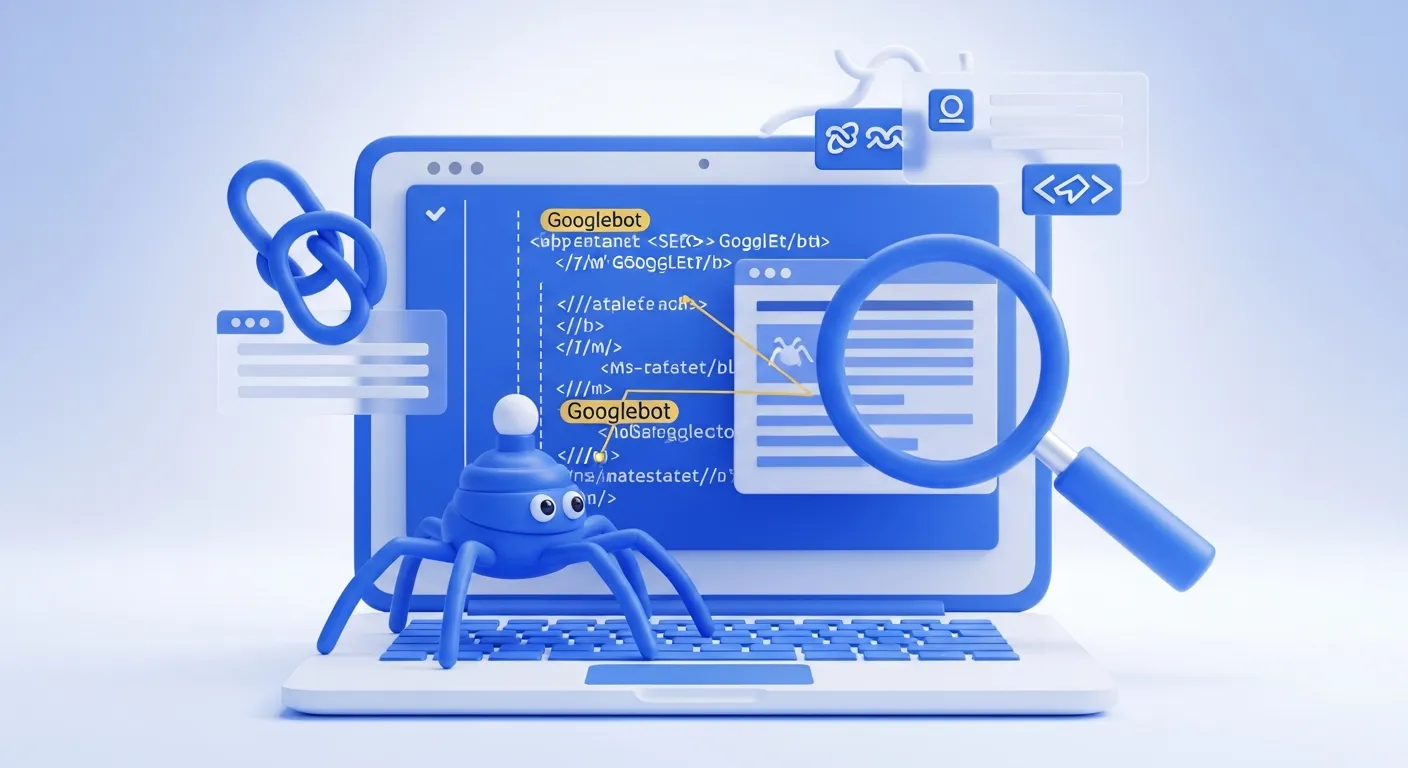
Ever wondered how Google or Bing “see” your website?
Search engines don’t view your site like a human does — they rely on bots, known as spiders (or crawlers), to analyze the code behind your web pages.
The Spider Simulator by SEO Magic Tools lets you view your website exactly how a search engine crawler does.
It extracts your page’s HTML structure, metadata, internal and external links, and visible text to simulate how your site appears during indexing.
This free online tool is perfect for SEO professionals, web developers, and site owners who want to identify crawlability issues and optimize their website for better visibility.
🔹 What Is a Spider Simulator Tool?
A Spider Simulator (also known as a “Search Engine Spider Viewer”) is a diagnostic tool that mimics how search engine crawlers — like Googlebot, Bingbot, or YandexBot — scan your web pages.
Instead of showing visual design, it shows:
HTML content and structure
Meta tags (title, description, robots, canonical)
Internal and external links
Header hierarchy (H1, H2, H3, etc.)
Indexable vs non-indexable content
This helps identify whether search engines can properly read, crawl, and index your important website content.
🔹 Why Use a Spider Simulator?
The way your website looks to you and to Googlebot can be completely different.
For example, content hidden behind JavaScript, heavy CSS, or dynamic rendering may not be visible to crawlers.
Here’s why this tool is vital:
Understand What Google Sees: View your site like a search engine does.
Identify Crawl Issues: Detect inaccessible links or scripts.
Check Meta Tags: Ensure titles, descriptions, and robot directives are correct.
Find Broken or Hidden Links: Review internal and outbound links in your HTML.
Improve On-Page SEO: Optimize headings, structure, and visible content.
Test Robots.txt & Noindex Tags: Ensure you’re not blocking important pages.
With this Spider Simulator, you can instantly evaluate your site’s technical SEO health — without crawling limitations or logins.
🔹 How It Works
The Spider Simulator Tool processes your page’s HTML just like a real crawler would.
Enter Website URL: Type or paste your web page address.
Click “Start Simulation.”
Crawl Emulation: The tool fetches and renders your page source, analyzing tags and content.
View Results:
HTML version of your page
Extracted meta tags
Internal and external links
Text content visible to crawlers
The process is instant and fully secure, with no data stored or tracked.
🔹 Key Features
✅ Accurate Crawl Simulation: Mimics search engine behavior.
✅ Meta Tag Extraction: Displays title, description, and robot directives.
✅ Internal/External Link Listing: Identifies indexable and non-indexable links.
✅ Visible Content View: Shows only what bots can read.
✅ Fast & Private: Works instantly without storing data.
✅ Free & Unlimited Use: Analyze as many pages as needed.
✅ Developer-Friendly Output: Clean HTML-based result layout.
🔹 Benefits of Using SEO Magic Tools’ Spider Simulator
True Crawler View: See your site exactly like a search engine does.
Identify SEO Weaknesses: Spot hidden or missing content and links.
Improve Crawl Efficiency: Ensure important pages aren’t blocked by scripts or tags.
Instant & Secure: Real-time simulation without server-side data storage.
No Limits or Ads: Simple, distraction-free experience.
🔹 Step-by-Step Guide
Visit SEO Magic Tools – Spider Simulator.
Enter your website or page URL (e.g., https://example.com).
Click “Start Simulation.”
Wait a few seconds while the crawler simulation runs.
View results showing:
HTML content seen by bots
Page title, meta description, robots tag
Canonical tag (if present)
All internal and external links
Text visible to search engines
This gives you a clear picture of how search engines perceive and prioritize your content.
🔹 What the Spider Simulator Reveals
1. Page Title & Meta Description
Displays your meta title and description as read by bots — helps with CTR optimization.
2. Robots Tag
Shows directives like index, noindex, nofollow, or noarchive.
3. Canonical URL
Verifies if your canonical tag points to the right version of your page.
4. Internal & External Links
Lists all links found, helping you detect broken or orphan links.
5. Text Content
Displays the actual content visible to crawlers — excluding hidden scripts, ads, or styling.
6. Header Structure (H1–H6)
Ensures proper hierarchy and SEO relevance.
7. Image Alt Attributes
Shows alt text (if enabled) for better accessibility and SEO optimization.
🔹 Real-Life Use Cases
🧩 SEO Experts: Check how Googlebot interprets your site content.
💻 Web Developers: Test crawlability after site migrations or updates.
📈 Digital Marketers: Validate that key keywords appear in crawlable text.
🏢 Businesses: Ensure important pages aren’t blocked by robots.txt.
🧑💻 Freelancers: Perform quick technical SEO audits for clients.
🔹 Technical Overview
Input: Website URL (HTTP/HTTPS)
Output: HTML structure, metadata, links, and readable text
Crawler Simulation: HTML source fetch and parsing
Server Compatibility: Works for all public URLs
Processing: Client-side; no data stored
Accuracy Level: 99% true crawler view
Privacy: No cookies, no tracking
🔹 Why Choose SEO Magic Tools?
SEO Magic Tools delivers fast, accurate, and privacy-first SEO diagnostics built for professionals.
Here’s why this Spider Simulator stands out:
✅ Instant simulation — no crawling delay
✅ Unlimited free access
✅ Clean, ad-free interface
✅ SEO-optimized results format
✅ Full privacy — no data uploads
It’s your go-to solution for quick, reliable, and secure SEO crawling analysis.
🔹 Similar Tools You Might Like
Robots.txt Checker
Redirect Checker
Broken Link Checker
Get HTTP Header Tool
Website SEO Score Checker
All SEO Magic Tools utilities share the same promise — Fast. Private. Reliable.
🔹 FAQs
1. What does the Spider Simulator do?
It shows how search engines like Google view your website’s HTML, content, and links.
2. Is it free to use?
Yes, completely free and unlimited.
3. Does it actually crawl my website like Googlebot?
It simulates the crawler’s behavior and shows the page content as bots see it.
4. Can it detect meta tags and robots directives?
Yes, it extracts and displays all major SEO-related tags.
5. Is it safe to use on live websites?
Absolutely — it only performs a lightweight fetch request.
6. Can I check internal and external links?
Yes, it lists both types clearly for analysis.
7. Does it work for HTTPS websites?
Yes, it supports all secure and standard domains.
8. Does it store or log my URLs?
No, everything happens locally — nothing is saved or shared.
🔹 Final Thoughts
The Spider Simulator by SEO Magic Tools is an essential SEO auditing tool that gives you a crawler’s-eye view of your website.
It helps you identify invisible content, missing meta tags, broken links, and blocked sections — all of which affect your SEO performance.
Whether you’re optimizing a new site, fixing crawl issues, or preparing an SEO audit report, this tool gives you precise, real-time insights — free, fast, and private.
🚀 Try it now at seomagictools.in/spider-simulator — and see your website exactly as search engines do.