Website Screenshot Generator
Capture full-page website screenshots instantly with our free Website Screenshot Generator. Just enter a URL and get a high-quality image of any webpage in seconds. Perfect for web developers, designers, marketers, and content creators who need clean, full-resolution website snapshots for reports, portfolios, or SEO analysis.
Share on Social Media:
🖥️ Website Screenshot Generator – Capture Every Pixel Perfectly
In the fast-paced world of digital marketing, web design, and SEO analysis, screenshots are more than just images — they’re visual proof, creative assets, and technical references. The Website Screenshot Generator by SEO Magic Tools helps you capture high-quality, full-page screenshots of any website in seconds.
Whether you’re a developer documenting a project, a marketer creating reports, or a designer saving inspiration, this free and easy-to-use tool is your perfect solution.
🌐 What Is the Website Screenshot Generator?

The Website Screenshot Generator is an online tool that captures the entire view of any webpage, from top to bottom, in one click. Unlike simple screen capture extensions that only show visible portions, this generator automatically scrolls through the webpage and compiles a complete image — ensuring that headers, footers, and hidden sections are included.
You just need to enter the website URL, and our tool will generate a high-quality screenshot in a few seconds — all without installing any software or browser plugins.
🚀 Why Use a Website Screenshot Generator?
Screenshots serve multiple purposes in the digital space:
- Documentation: Record website layouts, design changes, or SEO progress.
- Marketing: Showcase websites in presentations or reports.
- Quality Testing: Check responsive design and UI consistency.
- Competitor Analysis: Save reference visuals from competitors’ websites.
- Design Inspiration: Capture beautiful layouts for future ideas.
Manual screenshots are time-consuming and often incomplete. With our Website Screenshot Generator, you can save time, improve quality, and maintain accuracy.
⚙️ How the Tool Works
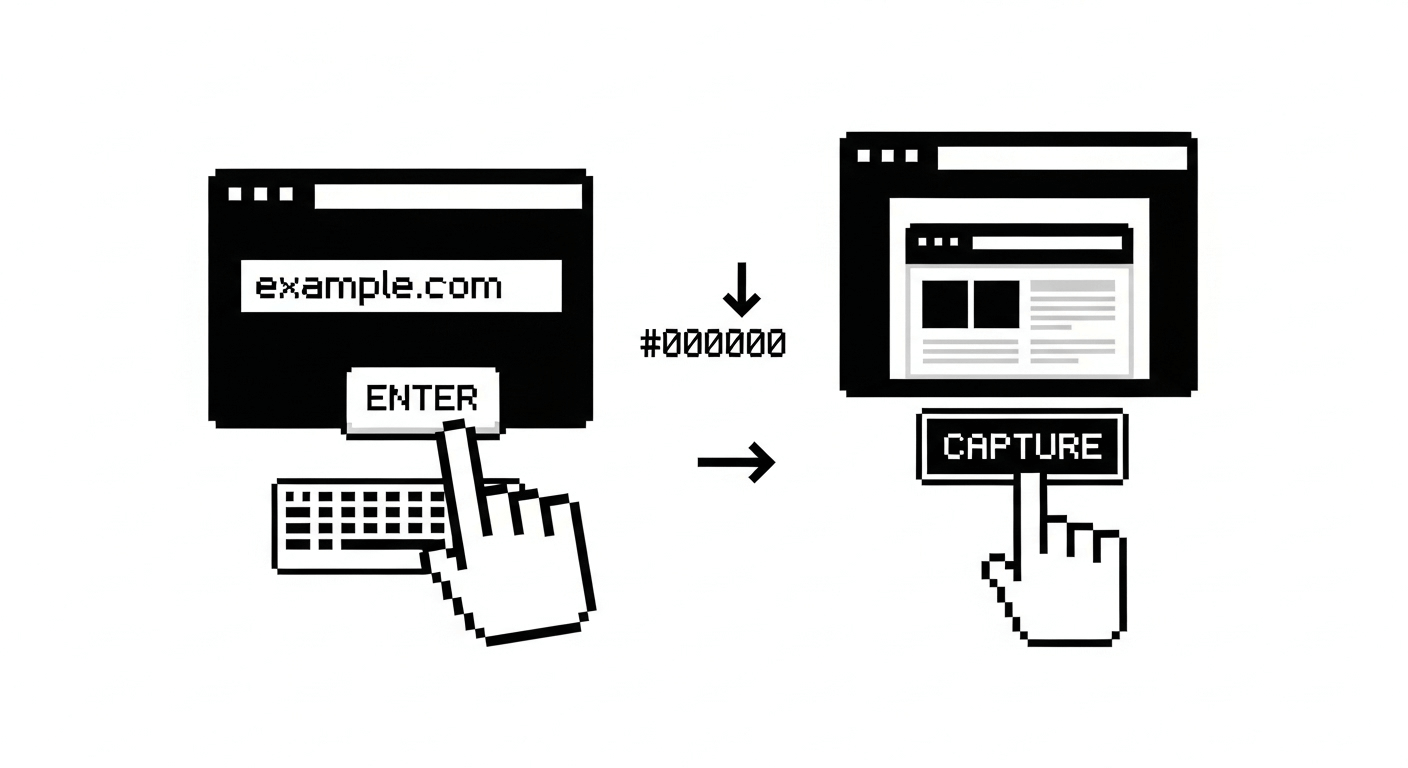
- Enter the Website URL – Type or paste the full website link in the input box.
- Click “Capture Screenshot” – The tool processes the page in the background.
- Get Your Screenshot – Download or preview the full-page screenshot instantly.
Our cloud-based engine captures the page exactly as it appears in a live browser. You get a real-time, pixel-perfect image — including all visual elements, banners, and text.
🧠 Core Features of Website Screenshot Generator
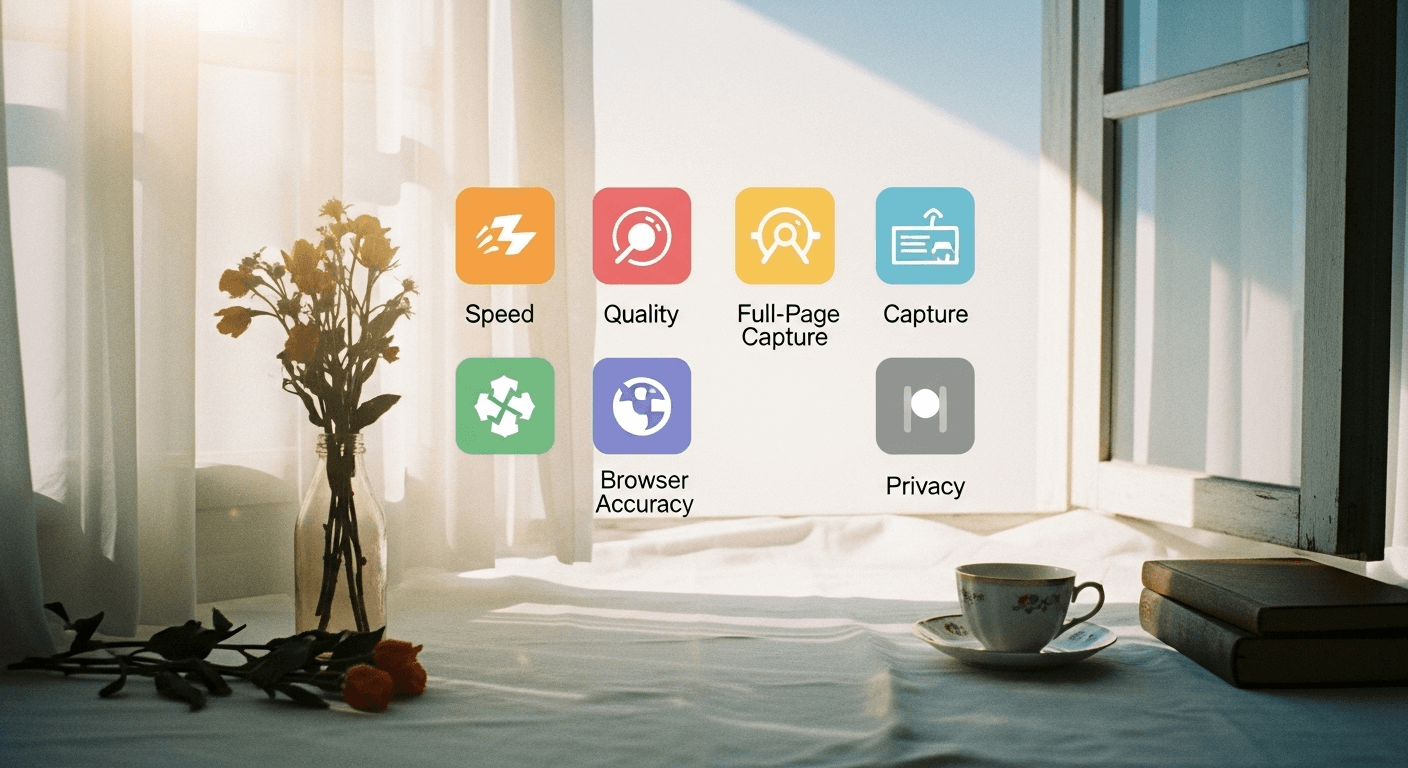
1. Full-Page Screenshot Capture
Capture entire web pages — not just the visible portion. From header to footer, every pixel is included.
2. High-Resolution Output
Screenshots are generated in full HD quality for professional use — suitable for reports, design mockups, and presentations.
3. Instant Results
No waiting, no loading delay. Get screenshots in seconds, even for long or complex pages.
4. Cross-Browser Accuracy
The tool renders pages the same way major browsers (Chrome, Edge, Safari) do, ensuring accurate layouts and colors.
5. No Installation Required
Completely web-based — works on any device, anywhere, anytime.
6. Secure and Private
Your URLs and screenshots are not stored or shared. Every capture is temporary and secure.
7. Custom Dimensions (optional)
Capture desktop, tablet, or mobile views by choosing custom screen sizes.
🏆 Benefits of Using Our Website Screenshot Generator

- Save Time: Capture multiple websites quickly.
- Improve Workflow: Use screenshots in documentation or reports.
- Enhance Presentations: Add visuals that explain your analysis better.
- Monitor Design Changes: Keep visual records before and after updates.
- Use for SEO & Audits: Include screenshots in audit or client reports.
- No Tech Knowledge Needed: Simply paste the URL and get your image.
This makes it perfect for developers, marketers, content creators, and business owners who want effortless visual captures.
📊 How Screenshots Help in SEO & Digital Marketing

While screenshots may seem purely visual, they play a big role in SEO and marketing workflows:
- Before/After Comparisons: Show visual impact of SEO improvements.
- Client Reports: Provide proof of design and content optimization.
- Landing Page Analysis: Record page structure for future A/B testing.
- Social Media Previews: Share visual examples of site improvements.
- UX Research: Document and compare competitor layouts and CTAs.
Screenshots make your reports more credible, detailed, and visually engaging.
💡 Best Use Cases

| User Type | How They Use It |
|---|---|
| Developers | Document frontend changes, UI issues, and design bugs. |
| Marketers | Create visual audit reports and campaign presentations. |
| Designers | Save layout inspirations and mockups. |
| Freelancers/Agencies | Show progress and deliverables to clients. |
| Students/Researchers | Use for project documentation and visual examples. |
🧰 Technical Features
| Feature | Description |
|---|---|
| Rendering Engine | Uses cloud-based browser rendering for accuracy |
| Output Format | High-resolution PNG/JPG |
| Aspect Ratio | Adjustable (Desktop, Tablet, Mobile) |
| Performance | Fast capture with caching system |
| Security | Temporary URL session; no storage or sharing |
| Access | Free, no signup required |
🔒 Data Privacy and Security

At SEO Magic Tools, privacy is our top priority.
Your website URL is never logged, stored, or shared with third parties. Screenshots are generated temporarily and automatically deleted after your session.
You can confidently use this tool for any business, confidential, or client-related projects knowing your data is safe.
⚡ Tips for Best Results
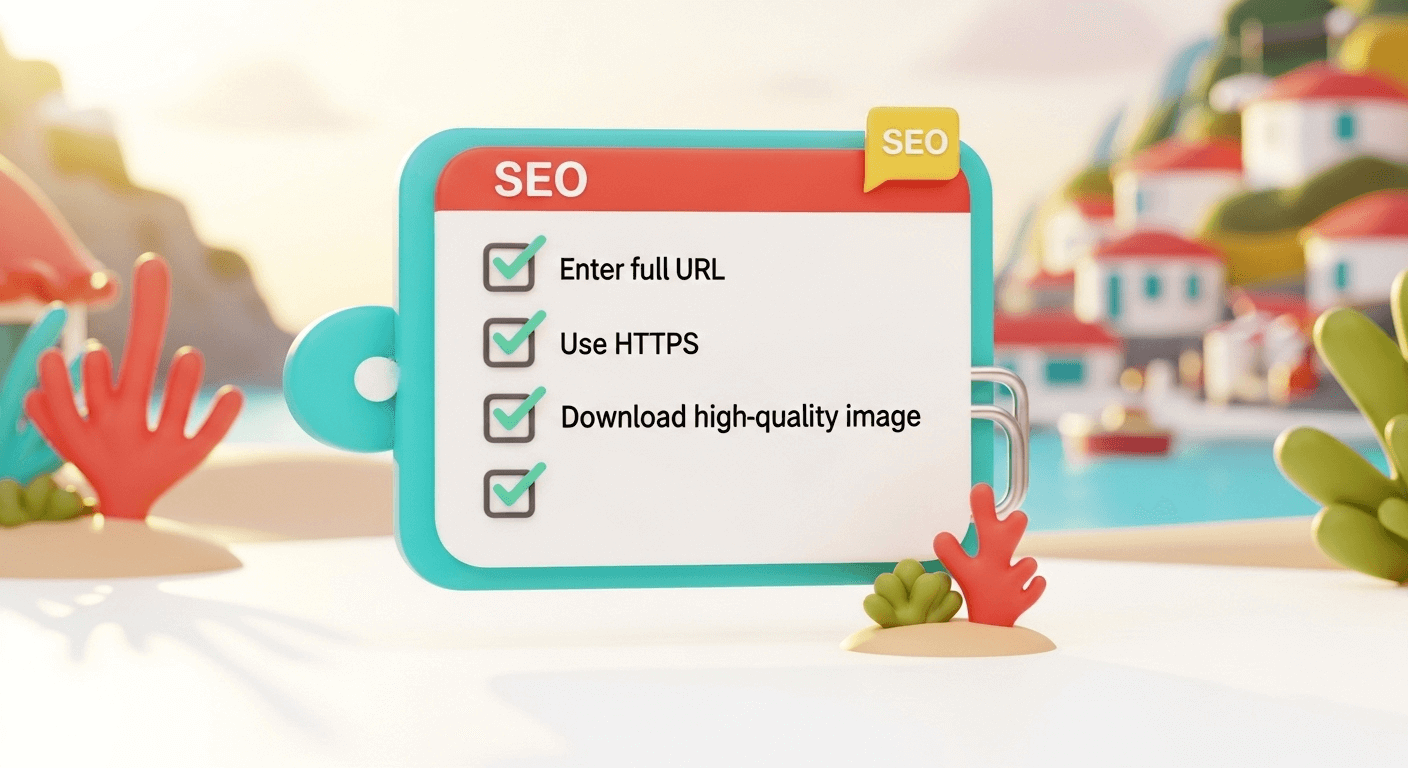
- Always use the full URL (with
https://). - Make sure your website is live and accessible publicly.
- For long pages, allow a few seconds for full rendering.
- Use the download option for saving in full quality.
- If you want mobile screenshots, use responsive view or adjust screen width.
🌟 Why Choose SEO Magic Tools’ Screenshot Generator
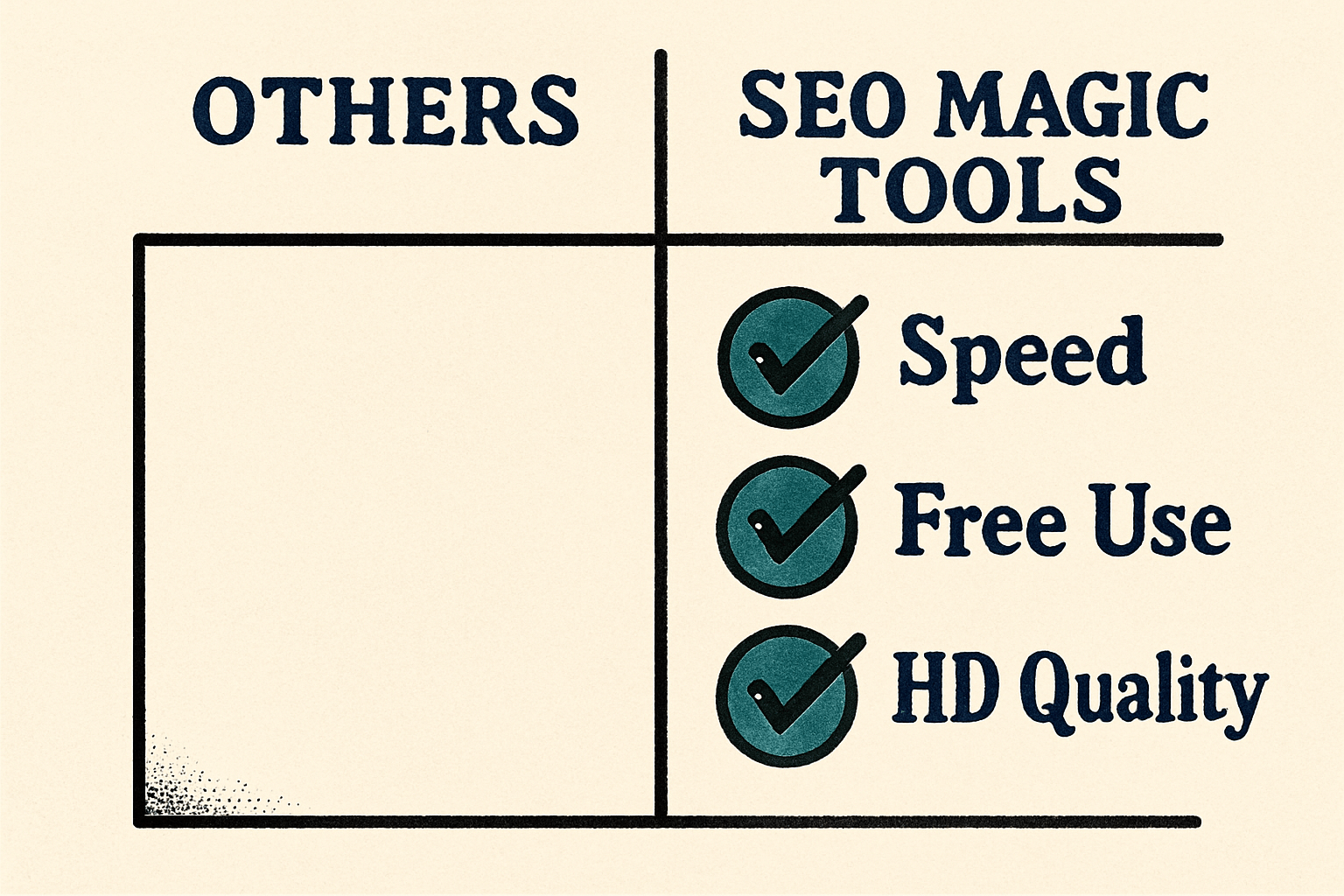
There are many screenshot tools available online, but here’s why ours stands out:
✅ Completely Free – No subscriptions, no hidden limits.
✅ Faster Capture Speed – Cloud rendering for instant results.
✅ No Watermarks – Clean, professional images.
✅ Accurate Layouts – True browser rendering, not compressed thumbnails.
✅ SEO-Friendly – Perfect for reports, case studies, and presentations.
This makes it one of the most reliable and convenient screenshot generators on the web.
📈 Integrating Screenshots Into Your Workflow
If you’re a marketer, designer, or developer, integrating website screenshots can enhance productivity:
- Add them to PowerPoint or Google Slides for visual storytelling.
- Attach them in SEO audit PDFs for context.
- Use them in social media posts or client updates.
- Compare pre- and post-launch website designs.
Screenshots are an essential part of modern digital documentation.
🧩 Real-World Example
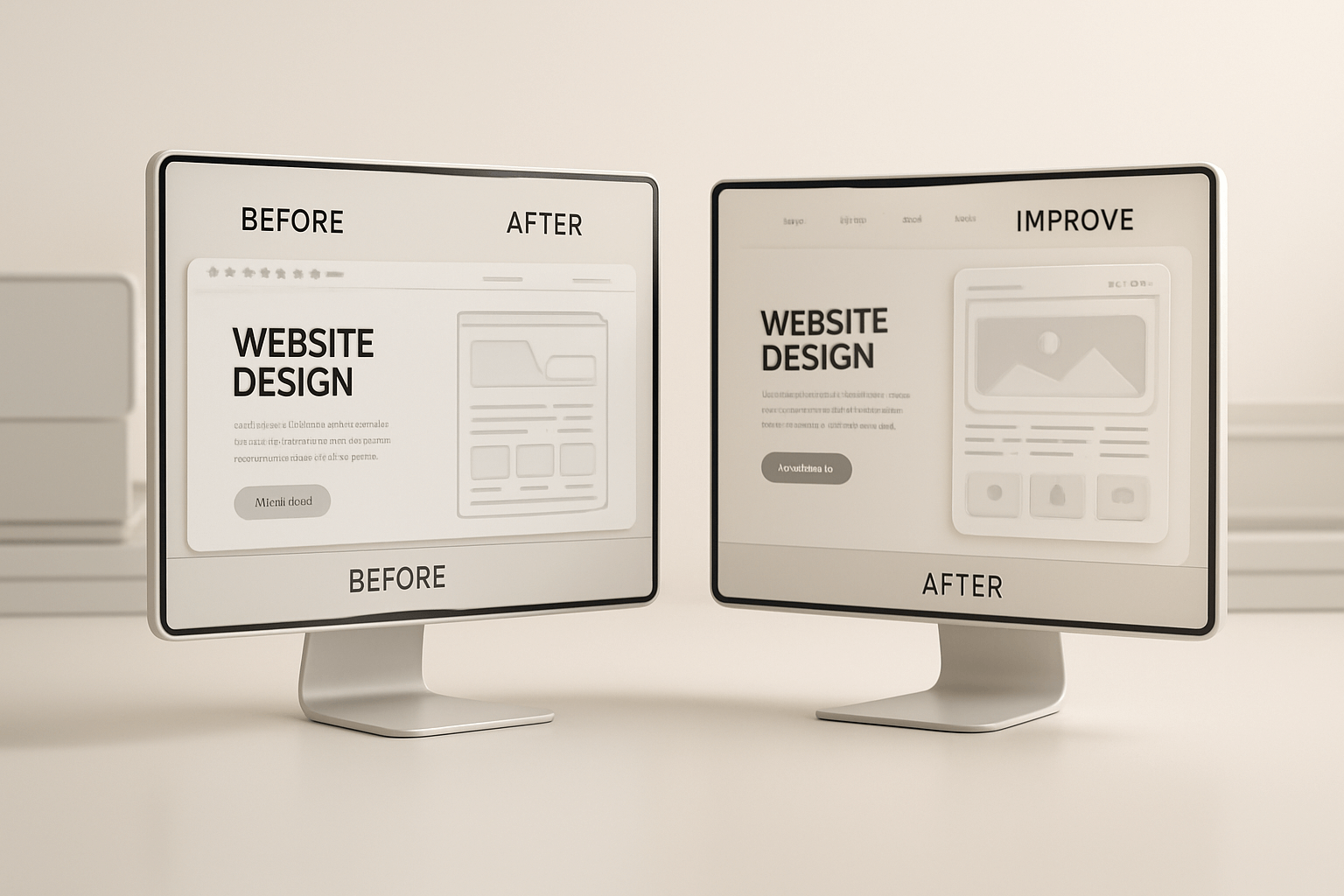
Let’s say you’re an SEO consultant working on a website redesign.
Before making any changes, you can use the Website Screenshot Generator to capture the current state of each key page — homepage, product pages, blog posts, etc.
After the redesign, capture screenshots again and present a side-by-side comparison to the client. This provides clear, visual proof of your progress and professionalism.
🔚 Conclusion
The Website Screenshot Generator by SEO Magic Tools is more than just a utility — it’s a time-saving powerhouse for anyone working in web development, SEO, digital marketing, or content creation.
With its instant results, high-quality captures, and full privacy protection, you can confidently generate, share, and document website visuals without any hassle.
Start using the free Website Screenshot Generator today and capture every detail, every pixel — perfectly.